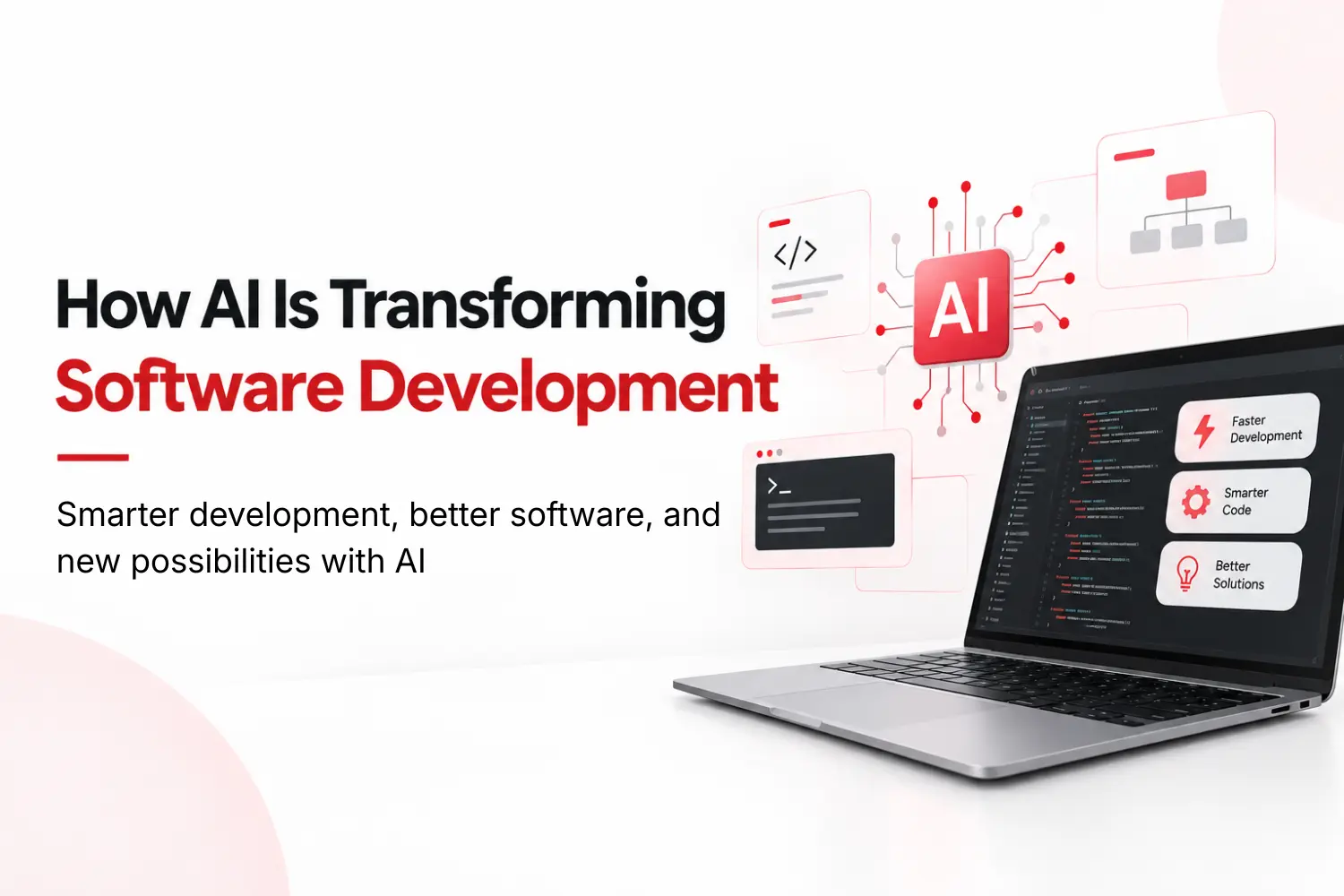
AI is transforming software development by making it faster, more accurate, and efficient. Generative AI and large language models can support developers throughout the entire development process, from gathering requirements and generating user stories to writing code, creating documentation, testing, and debugging.
AI-powered tools can detect bugs and security issues, suggest fixes, automate repetitive tasks, and improve CI/CD pipelines. By reducing manual work and human error, AI allows developers to focus more on complex and creative tasks while helping businesses build reliable software more efficiently.
What Is AI Software Development?
AI software development means using artificial intelligence to plan, build, test, and improve software. It also means building AI features, like chat or search, into the product itself.
Two kinds of AI do most of the work. Machine learning finds patterns in data. Generative AI creates new things, like code, text, and test cases.
AI works best as a partner. It can't replace human judgment. A person still has to set the goal, check the output, and keep data safe.
How AI Is Used in Software Development
Teams use AI in many parts of the job. The most common uses are:
Code generation: AI predicts your next line or writes a whole function from a short note.
Bug detection: AI scans code and flags errors and weak spots.
Test creation: AI writes test cases and runs the most important ones first.
Documentation: AI writes and updates guides for APIs and code.
Project planning: AI uses past projects to estimate time and effort.
Security checks: AI spots risks like SQL injection and cross-site scripting.
Each use saves time. But every output still needs a human review.
How AI Changes Each Stage of the Software Development Lifecycle (SDLC)
Every project moves through the same steps. AI can help at each one.
Planning: Gen AI turns a rough idea into a list of needs and user stories by processing natural language inputs. User stories are short notes that describe a feature from the user's side.
Design: Generative AI can suggest layouts, system plans, and mockups.
Building: Gen AI drafts code so developers can focus on hard problems. Gen AI provides real-time suggestions to improve speed and accuracy.
Testing: Gen AI covers more cases than manual testing and learns from past bugs & improves software quality and testing efficiency. .
Launch: AI watches release pipelines and warns about likely failures.
Support: AI tracks performance after launch and flags odd behavior early.
This is where AI software development pays off across the whole project, not just in the code.
AI in Application Development: What It Looks Like in Real Products
AI in application development means the product itself gets smarter. The app can handle jobs that once needed a person.
For example, an app could:
Pull names, dates, and totals from documents
Answer common customer questions
Sum up long reports
Spot patterns in sales data
Suggest products based on past behavior
For example, a receipt management application could use AI to identify the merchant, date, tax, and total from a receipt instead of requiring the user to enter everything manually.
Without AI, users type in every store name, date, and total. With AI, the app reads the photo and fills in those fields.
What AI Means for Software Developers
AI is moving developers from typing every line to guiding the tool and fixing its output. They still need skills in code, databases, APIs, security, and cloud tools.By automating routine tasks, AI boosts productivity and frees developers to focus on higher-level problem-solving, such as architectural planning, system integration, strategic decision-making and creative challenges. This shift is driving greater innovation and efficiency.
Low-code and no-code tools also let non-coders build simple AI apps. But custom, secure systems still need real engineers. AI software engineering mixes old skills with new ones.
Advantages of AI in software development
AI in software development provides many benefits that improves productivity, efficiency and the quality of applications.
Automates repetitive tasks: Generates code, detects bugs, and handles testing faster.
Improves software quality: Identifies errors, vulnerabilities, and inefficiencies early.
Speeds up decision-making: Helps with project planning, timelines, resources, and feature priorities.
Makes development more accessible: Low-code and no-code AI tools let nontechnical users build applications.
Enhances user experience: AI supports personalization and creates more tailored software experiences.
Risks of AI Software Development and How to Reduce Them
AI has real risks. Plan for them early.
Bad data and bias: AI is only as good as its data. Messy or one-sided data gives bad answers. Use clean, varied data and check results often.
Security flaws: AI-written code can hide weak spots. Review and test it like any other code.
Overreliance: Teams that lean on AI too much can lose core skills. Keep training and code reviews going.
Privacy: Know what data a tool uses, where it goes, and who can see it.
Unclear decisions: Some models can't explain their answers. Pick explainable tools when you can.
The NIST AI Risk Management Framework gives teams a plan to manage these risks, including safety, privacy, and fairness.
How to Get Started With AI Software Development
A plan matters. In one IBM study, 79% of executives said AI improved productivity. Only 24% could see where new revenue would come from.
Google's guide on machine learning problem framing says to check that machine learning fits the problem first. Good AI software development starts the same way:
Pick one problem. Check your data. Start with a specific problem where AI can make a measurable difference.
Run a small pilot. Test with a few users first.
Measure results. Track time saved, cost, and quality.
Grow slowly. Scale only what works.
The Future of AI in Application Development
AI is becoming a normal part of the developer toolkit. The future of AI in application development isn't about replacing engineers. It's about strong engineering and clear goals. Find a real problem. Decide if AI is the right fix. Then build around the people who will use it.
Ready to Build With AI?
Have an idea for an AI product? Explore CanDev's AI development or talk to the CanDev team about your project.