Building an app is easier to start than it used to be. AI app builders can turn written instructions into interfaces, generate code, and help businesses create working prototypes without hiring a full development team immediately.
But creating an app is not the same as building a product that customers can rely on. A business application may need secure accounts, payment processing, integrations, data management, and the ability to support hundreds or thousands of users.
The right choice depends on what you are building, who will use it, and how the business plans to grow.
For example, a small company creating an internal task tracker may not need custom software. A B2B SaaS company selling subscriptions to other businesses may need more control over customer accounts, permissions, billing, and data isolation. A healthcare or financial application may have additional security and regulatory requirements.
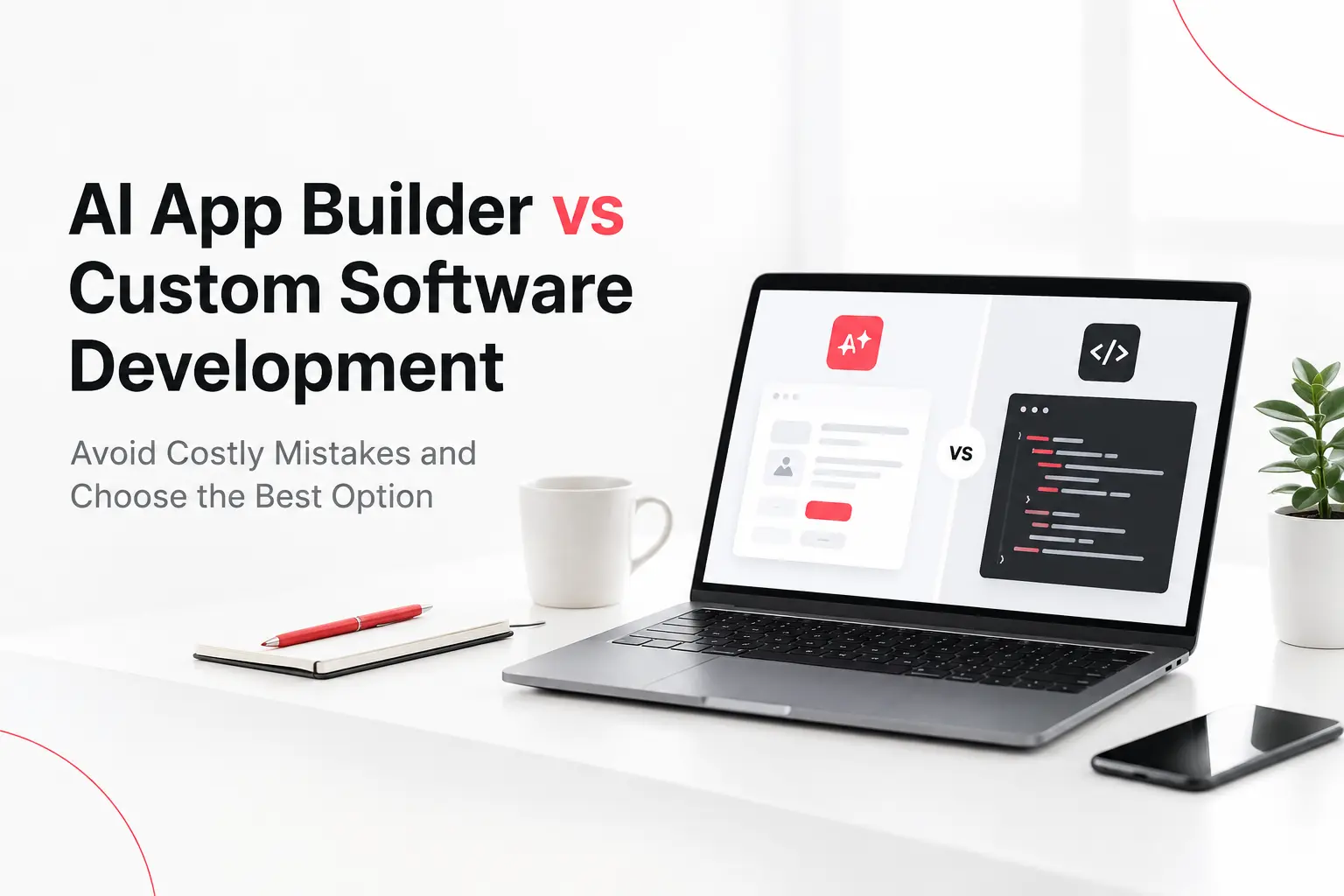
That is why the comparison between an AI app builder vs custom software development goes beyond price and development speed.
This article explains which approach works best for different industries and business models, which tools and technologies to consider, and when combining AI tools with custom development makes the most sense.
What Is an AI App Builder?
An AI app builder is a platform that uses artificial intelligence, visual development tools, or generated code to help people create applications with less manual programming.
You might describe a booking application in plain English, and the platform may generate a user interface, connect a database, or create parts of the application logic. The exact capabilities depend on the product.
Different platforms serve different purposes.
Bubble: A visual platform for building web applications with workflows and database features.
Lovable and Bolt: AI-assisted tools for generating application interfaces and code-based projects.
FlutterFlow: A visual development platform focused on building applications, including mobile experiences.
Microsoft Power Apps: A low-code option for business applications, particularly within organizations using Microsoft's ecosystem.
Retool: A platform commonly used to build internal business tools and operational interfaces.
These products are not interchangeable. Some generate code, some rely heavily on a managed platform, and others focus on internal business applications.
AI app builders are particularly useful for creating prototypes, testing ideas, building straightforward internal tools, and validating workflows before investing in a larger project.
However, their suitability depends on whether they support the required integrations, security controls, deployment options, and future changes.
What Is Custom Software Development?
Custom software development involves designing and building an application around a business's specific requirements. A development team can select the technologies, architecture, database, integrations, and infrastructure needed for the project.
For example, a company might need a B2B platform where different organizations manage their employees, permissions, subscriptions, reports, and customer information separately.
A custom solution can be designed around these requirements instead of forcing the business to adapt to the limitations of an existing platform.
A typical custom development project may involve:
Requirements analysis and technical planning.
UI/UX design and prototyping.
Frontend and backend development.
Database design and API integrations.
Security testing and quality assurance.
Deployment, monitoring, and maintenance.
The technology depends on the application. A web product might use React or Next.js on the frontend, Node.js, Python, or .NET on the backend, and PostgreSQL for relational data. A mobile product might use Flutter, React Native, or native iOS and Android technologies.
Cloud infrastructure can run on AWS, Microsoft Azure, or Google Cloud, depending on the team's expertise, existing systems, and operational requirements.
These are examples, not a universal recipe. The best technology stack is the one that meets the product's requirements and can be maintained reliably.
Businesses planning a tailored product can explore CanDev's software development services to understand how a development team can turn specific business requirements into a working application.
AI App Builder vs Custom Software Development: Key Differences
The best option depends on more than how quickly you can create the first version. You should also consider the total cost, flexibility, security, scalability, and work required after launch.
Factor | AI app builder | Custom software development |
Initial development | Often faster for simple applications | Requires planning and engineering |
Upfront cost | Often lower for basic projects | Usually higher for complex projects |
Customization | Depends on platform capabilities | Can be designed around specific needs |
Integrations | Depends on available connectors and APIs | Can support specialized integrations |
Scalability | Depends on platform and architecture | Can be engineered around expected growth |
Security | Depends on platform controls and implementation | Can be tailored to the project's risk requirements |
Technical control | Varies by platform and code export options | Can offer greater control over code and infrastructure |
Best suited for | Prototypes, simple tools, selected workflows | Complex products and specialized business systems |
Neither option is automatically better. An AI-built application can be suitable for production, and a custom-built application can still have performance, security, or maintenance problems.
The decision should be based on the application's real requirements rather than assumptions about either approach.
1. Development Cost
An AI app builder can reduce initial expenses when you need a simple application. It may provide hosting, templates, authentication, and database features through one platform or subscription.
Custom software development generally involves more work at the beginning. Costs may include design, frontend and backend development, testing, integrations, deployment, and project management.
However, the initial price does not tell the whole story.
An inexpensive tool may become costly if you need premium features, higher usage limits, external integrations, or developers to work around platform restrictions. Custom software may require a larger initial investment but provide a better fit for a business with complex requirements.
When comparing options, estimate the total cost of ownership over the next few years rather than looking only at the initial build price.
2. Time to Market
Speed is one of the strongest reasons to choose an AI app builder. You can often generate a first version quickly, demonstrate the concept, and learn what users want before committing to a larger development project.
Custom software development takes time for requirements, design, implementation, testing, and release preparation. The timeline depends on the application's complexity, integrations, and number of features.
Still, speed should be measured by how soon you can launch a reliable product, not simply how quickly the first screen appears.
An AI-generated application may need significant debugging, security work, or restructuring before launch. A carefully planned custom build may take longer initially but reduce rework later.
3. Customization and Flexibility
AI app builders work well when your requirements fit the capabilities of the platform. They can be useful for standard forms, dashboards, simple user journeys, and common business workflows.
Problems can arise when an application needs unusual business rules, complex permissions, specialized calculations, or integrations that the platform does not support well.
Custom software gives the development team more freedom to implement these requirements. The team can decide how the system handles data, communicates with external services, and responds to different user actions.
For example, a basic appointment-booking tool may fit an AI app builder. A marketplace that manages customer requests, provider quotes, payments, disputes, notifications, and ratings may need more careful architectural decisions.
The more your application depends on unique workflows, the more important flexibility becomes.
The user experience also matters. Professional UI/UX design and development services can help businesses create interfaces that support their customers' needs rather than forcing users to adapt to an unsuitable workflow.
4. Scalability and Performance
Scalability means an application can handle increasing usage without unacceptable performance problems or excessive operating costs.
An AI app builder is not automatically unsuitable for a growing business. Some platforms support production applications and offer infrastructure that can handle substantial workloads.
The important question is whether the specific platform supports your expected traffic, database operations, integrations, and performance requirements.
Custom software allows engineers to make architectural decisions based on those requirements. However, custom code alone does not guarantee good performance. Poor database design, inefficient queries, and weak infrastructure choices can affect any application.
Before choosing either option, consider your expected number of users, data volume, response times, and plans for future features.
5. Security and Data Control
Security deserves attention from the beginning, especially if your application handles personal information, payments, customer records, or confidential business data.
An AI app builder may provide useful security features, but you still need to understand its access controls, data storage, backup policies, deployment options, and integration permissions.
AI-generated code also needs review. The NIST Secure Software Development Framework outlines practices that help development teams build more secure software and reduce vulnerabilities throughout the development lifecycle.
For AI-enabled applications, NIST also provides Secure Software Development Practices for Generative AI, which addresses security considerations associated with generative AI in software development.
Developers should also understand risks such as prompt injection and sensitive information disclosure. The OWASP Top 10 for Large Language Model Applications explains security risks that teams should consider when building applications that use large language models.
Custom development can give a team more control over security architecture and data handling, but it does not guarantee that an application is secure. Both approaches require suitable testing, access controls, monitoring, and ongoing maintenance.
6. Maintenance and Long-Term Support
An application does not stop needing attention after launch. Dependencies change, operating systems receive updates, security vulnerabilities are discovered, and customers request new features.
With an AI app builder, some infrastructure and platform maintenance may be handled by the provider. However, you may still need to fix application logic, manage integrations, review generated code, and adapt to platform changes.
With custom software, your business can work with an internal team or an external development partner to maintain the application. You should establish who owns the code, who manages deployments, and how future updates will be handled.
Before committing to either approach, understand the support model and what happens if your requirements change.
Which Approach Is Best for Different Business Types?
This is one of the most important parts of the decision. Two businesses can operate in the same industry but need completely different development approaches.
1. Startups Testing a New Business Idea
Recommended approach: Start with an AI app builder when the idea is simple; consider custom development when the product requirements demand it.
Early-stage startups often need to answer one question before investing heavily: will people actually use this product?
An AI app builder can help create a prototype, test a user journey, or demonstrate an idea to potential customers and investors.
For example, a founder testing a simple appointment-booking concept might use a visual builder to collect feedback before investing in a full application.
However, if the startup's main product depends on a unique algorithm, complex transactions, real-time communication, or specialized integrations, custom development may be justified earlier.
Useful tools: Bubble, Lovable, Bolt, or Flutter Flow for suitable prototypes; Figma for interface design and testing concepts.
Why this approach works: It helps startups learn what customers need before committing to features that may never be used.
The key is to validate the idea without allowing early platform limitations to become a problem when the product begins to grow.
2. B2B SaaS Companies
Recommended approach: Custom development or a carefully evaluated hybrid approach for the core product.
B2B software is sold to businesses rather than individual consumers. A B2B SaaS application may need to support multiple companies, each with its own employees, administrators, subscriptions, permissions, and data.
Consider a project management platform used by 200 businesses. Each company must see its own projects and users, while administrators need to manage access and billing. Some customers may also request single sign-on, audit logs, reporting, or integrations with existing systems.
These requirements affect the architecture, not just the interface.
A custom application might use:
Frontend: React or Next.js for the web interface.
Backend: Node.js, Python, or .NET for business logic and APIs.
Database: PostgreSQL for structured business data.
Authentication: An identity provider such as Auth0, Microsoft Entra ID, or Amazon Cognito, selected according to requirements.
Infrastructure: AWS, Azure, or Google Cloud, based on the product's operational needs.
The team must also design tenant isolation so one company's data cannot be accessed by another company. AWS explains the different approaches and trade-offs in its multi-tenant architecture guidance.
An AI app builder may still help with prototypes, admin interfaces, or selected workflows. But the core product should be evaluated against its long-term requirements for security, permissions, billing, integrations, and maintainability.
Why custom development often fits: B2B products commonly evolve in response to customer requirements. Greater architectural control can make it easier to support new integrations and different customer needs over time.
3. Enterprise Businesses and Large Organizations
Recommended approach: A combination of low-code tools and custom development, selected for each workload.
Large businesses do not need custom software for every application. An internal reporting dashboard may be a good fit for a low-code platform, while a core operational system may require more control.
For example, a company already using Microsoft 365 may consider Power Apps for an internal approval workflow. A complex enterprise platform with multiple systems, strict access rules, and specialized business logic may require conventional software engineering.
Useful options include:
Microsoft Power Apps and Power Automate: Internal business applications and workflow automation.
Retool: Internal dashboards and operational interfaces.
React or Angular: Custom web interfaces where greater control is needed.
.NET, Java, or Node.js: Backend services selected according to the existing environment and engineering requirements.
Azure, AWS, or Google Cloud: Hosting and infrastructure based on organizational requirements.
Enterprise decisions must consider identity management, auditability, data access, integration complexity, support, and governance.
Microsoft's application modernization guidance explains how low-code components can be combined with traditional code rather than treating the choice as all or nothing.
Why a hybrid approach works: It avoids the cost of custom-building simple internal tools while preserving engineering control over systems that need it.
4. Healthcare, Finance, and Other Sensitive Industries
Recommended approach: Select the architecture based on security, privacy, compliance, and operational requirements, not convenience alone.
Healthcare, financial services, insurance, and other sensitive sectors may handle personal records, financial information, or confidential business data.
An application in these industries may need detailed access permissions, audit trails, retention controls, encryption, and integration with existing systems. The exact obligations depend on the country, type of data, and services being provided.
An AI app builder is not automatically unsuitable, but its security documentation, data-processing terms, hosting options, and access controls must be reviewed carefully.
Custom development can provide more control over the architecture, but the business remains responsible for ensuring the implementation meets applicable requirements.
For AI-enabled applications, consult the NIST Secure Software Development Framework and the OWASP Top 10 for Large Language Model Applications for relevant security guidance.
Why careful engineering matters: A visually complete application is not enough when mistakes could expose confidential data or interrupt critical business operations.
5. E-Commerce and Online Marketplaces
Recommended approach: Use an established platform for standard commerce; consider custom development for complex or differentiated workflows.
A business selling a small range of products may not need a custom e-commerce application. An established commerce platform can handle many common needs, such as product listings, checkout, and order management.
A marketplace connecting buyers with multiple sellers is different. It may require seller onboarding, commissions, payouts, disputes, ratings, order allocation, and separate dashboards.
An AI builder can help prototype the experience, but the underlying transaction rules and integrations need careful implementation.
Useful options include:
Shopify or WooCommerce: Standard online stores, depending on requirements.
Stripe or another suitable payment provider: Payment processing, subject to regional availability and business eligibility.
Custom React or Next.js frontend: When a differentiated shopping experience is necessary.
Custom backend and database: When marketplace rules, workflows, or integrations exceed standard platform capabilities.
Why the choice differs: A straightforward store can often use existing commerce infrastructure. A complex marketplace may need a custom architecture or a combination of established services and custom code.
What About Applications With Hundreds or Thousands of Users?
The number of users matters, but it is not the only factor.
An application with 10,000 registered users who log in occasionally may have different infrastructure needs from a service with 500 users who make continuous requests or process large amounts of data.
You should consider:
How many users will be active at the same time.
How much data each user creates or retrieves.
Whether the application processes payments or time-sensitive requests.
How quickly the application must respond.
Whether different customers need isolated data and permissions.
How the system should behave during traffic spikes.
An AI app builder may support substantial traffic if the platform and architecture are suitable. Custom software can provide more control over performance optimization and infrastructure, but it still needs appropriate engineering and testing.
For a growing application, load testing, database optimization, monitoring, backups, and a clear recovery plan are more important than simply choosing a particular programming language.
For B2B SaaS products, AWS's guidance on multi-tenant SaaS architecture explains why tenant isolation and operational planning become important as the service grows.
AI App Builder vs Custom App Development: What About Cost?
An AI app builder often reduces the effort needed to create a basic application. However, the total cost depends on the platform subscription, usage limits, integrations, hosting, and any engineering work required.
Custom software development usually requires more upfront planning and implementation. The estimate may include interface design, backend development, database architecture, testing, deployment, and ongoing support.
Consider a booking application. A prototype might only need a form and a calendar. A production booking platform could also require user accounts, cancellation rules, payment processing, reminders, refunds, reporting, and administrative controls.
The initial prototype and the production product are not equivalent projects.
To compare costs fairly, ask for estimates covering the same requirements. Include the initial build, recurring fees, third-party services, maintenance, security updates, and likely future changes.
A hybrid approach may offer a useful balance: validate the product with an AI builder, then develop the components that require more control.
When Should You Choose an AI App Builder?
An AI app builder may be the right choice when your requirements are simple, your budget is limited, or you need to test an idea before making a larger investment.
Consider this approach if you want to:
Build a proof of concept for investors or early users.
Create an internal tool for a small team.
Test a new workflow before automating it fully.
Develop a simple application using features already supported by the platform.
Gather feedback before committing to a long-term product roadmap.
For example, a small business that needs a basic internal dashboard may not need a fully custom application. A suitable platform could provide the required functionality without the additional complexity of a larger project.
Before choosing, verify that the platform supports your data requirements, security needs, integrations, and expected usage. If you plan to expand later, check the available migration options too.
When Is Custom Software Development the Better Choice?
Custom software development becomes more attractive when your application is central to your business or requires functionality that existing platforms cannot provide reliably.
It may be the better choice if you need:
A marketplace with multiple user roles and complex transactions.
A customer-facing product with unique business logic.
Integrations across several internal or external systems.
Detailed access permissions and specific data-handling rules.
A mobile or web application designed around a long-term product roadmap.
Greater control over architecture, infrastructure, and future development.
Consider a service marketplace that connects customers with local professionals. The platform may need quote comparisons, provider dashboards, booking management, payment workflows, notifications, and ratings.
Each feature must work with the others. A quick prototype can help validate the concept, but the production system needs reliable data handling and clearly defined rules for different situations.
This is where a custom development team can help translate business requirements into a maintainable application. Explore CanDev's web and mobile development services to learn more about building applications around specific business needs.
When Should You Combine AI Tools With Custom Development?
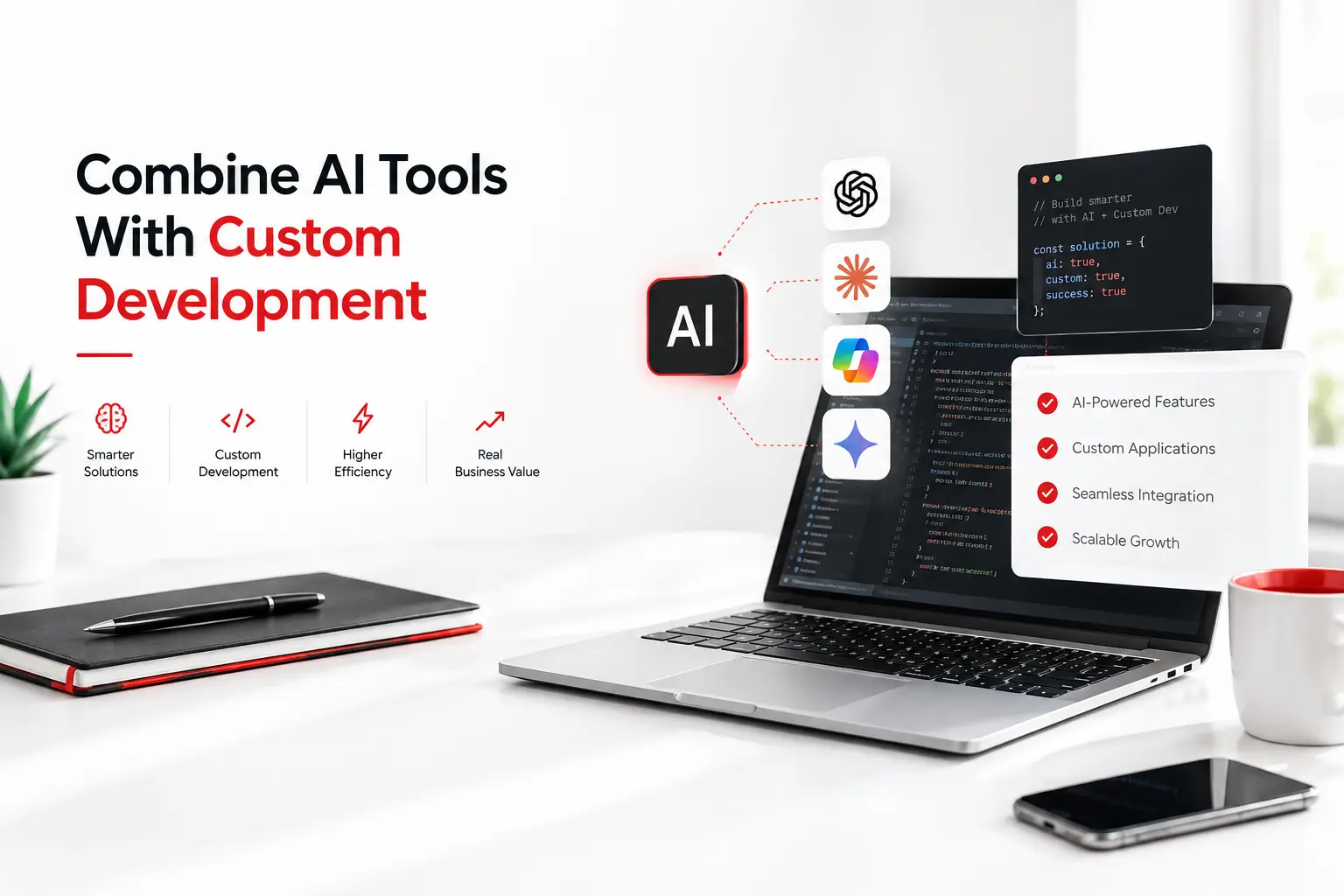
You do not have to choose between AI and custom development for the entire project.
A hybrid approach can be useful when AI tools accelerate selected tasks but the application still needs a carefully designed technical foundation.
For example, a development team might use AI to generate an early interface, explore alternative layouts, or assist with routine code. Engineers can then review the generated output, implement the business logic, test integrations, and prepare the application for production.
A company might also use a low-code platform for an internal dashboard while maintaining a custom backend for its core product.
This approach works best when the responsibilities are clearly defined. Decide which parts the platform will manage, which parts require custom code, and how data will move between them.
The result can be faster development without relying on an AI builder for features it cannot support reliably.
Common Mistakes to Avoid When Choosing an App Development Approach
Before making a decision, watch out for these common mistakes.
1. Choosing based only on the initial price.
A low starting cost does not guarantee low long-term expenses. Include subscriptions, usage fees, integrations, support, and maintenance in your comparison.
2. Assuming every AI-built application is production-ready
Review the code, security, error handling, integrations, and deployment setup.
3. Assuming custom software will scale automatically.
Scalability depends on architecture, code quality, infrastructure, and ongoing engineering decisions.
4. Ignoring platform lock-in.
Check whether you can export your code and data, use your preferred hosting environment, and migrate without rebuilding everything.
5. Overlooking security and ownership.
Understand who controls the code, data, accounts, and deployment environment. Review relevant contracts and platform policies before committing.
6. Building too much too soon.
A business does not always need a large, fully featured application on day one. Start with essential requirements and expand when user feedback justifies the investment.
7.Ignoring the business model
B2B SaaS, consumer apps, marketplaces, and internal tools have different requirements.
Planning matters too. Read why software projects fail to learn about common project risks and the importance of setting clear expectations before development begins.
How to Choose the Right Solution for Your Business
Use these questions to guide your decision.
1. What are you building? A simple internal tool has different requirements from a customer-facing product or marketplace.
2. How unique are your workflows? Standard processes may fit an existing platform, while specialized rules may need custom development.
3. What data will the application handle? Consider privacy, permissions, security, and any applicable compliance requirements.
4. How much flexibility will you need? Think about planned integrations, new features, and changes in user demand.
5. What is your total budget? Compare initial costs with recurring fees, maintenance, and future development.
6. What happens if the business grows? Confirm that your chosen approach can support your likely next stage.
You do not necessarily have to choose one approach for the entire product. Some businesses use an AI app builder to validate an idea, then invest in custom software once requirements become clearer. Developers can also use AI tools during custom development to speed up selected tasks while retaining responsibility for architecture, testing, and security.
The goal is not to avoid AI or custom development. It is to use the right combination for the problem you need to solve.
Conclusion
The best choice between an AI app builder and custom software development depends on the business model, industry, users, technical requirements, and long-term plans.
Startups validating simple ideas and businesses automating internal tasks may benefit from AI builders or low-code platforms. B2B SaaS products, complex marketplaces, and applications with specialized workflows may benefit from custom development or a hybrid architecture. Large organizations can use both, selecting the right approach for each application.
The key is to choose technology based on the problem you need to solve, rather than following a trend or assuming one method is always better.
Define your essential features, understand your users, assess security and integration needs, and compare the total cost of each approach. With the right plan, you can build an application that meets today's needs without creating unnecessary limitations for tomorrow.
If you are planning a web or mobile application and are unsure which approach fits your business, explore CanDev's software development services to learn how a tailored solution could support your goals.